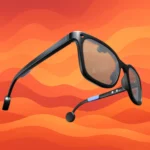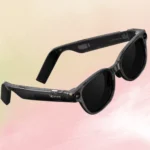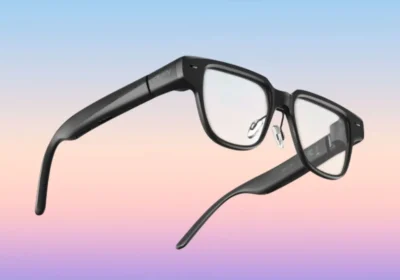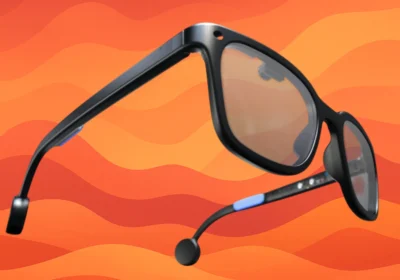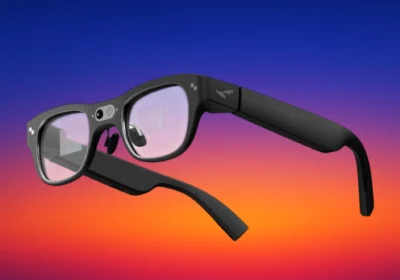
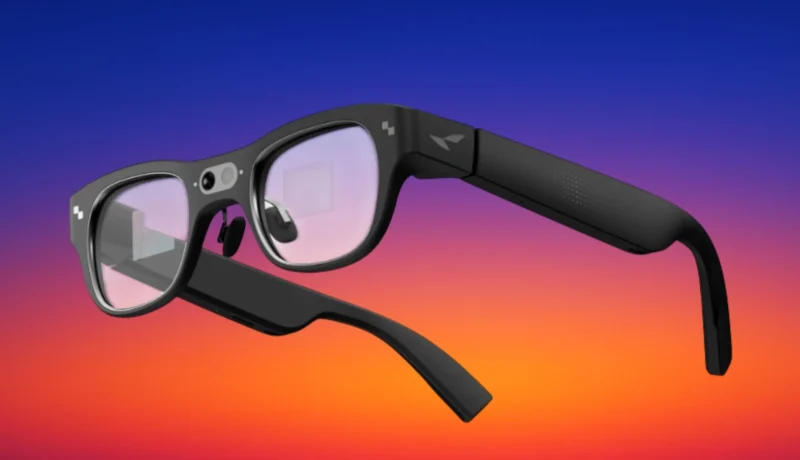

What if you could see directions floating ahead, get instant translations of foreign conversations, and ask an AI assistant questions without looking at your phone? RayNeo X3 Pro does that, combining a floating display, live AI assistant, and spatial computing in lightweight titanium frames. The glasses project a 43-inch screen into your field of view while remaining transparent enough to see the world. Powered by Qualcomm’s Snapdragon AR1 platform, they use Google Gemini for quick answers, translate 14 languages in just over two seconds, and support Android apps, including Instagram and WhatsApp. The RayNeo X3 Pro AI+AR smart glasses bring augmented reality to everyday tasks such as navigating cities, recording meetings, and checking notifications hands-free.
Table Of Content
We will look at its display optics, AI features, camera hardware, navigation tools, developer options, controls, and technical specifications.
How the Display Technology Works
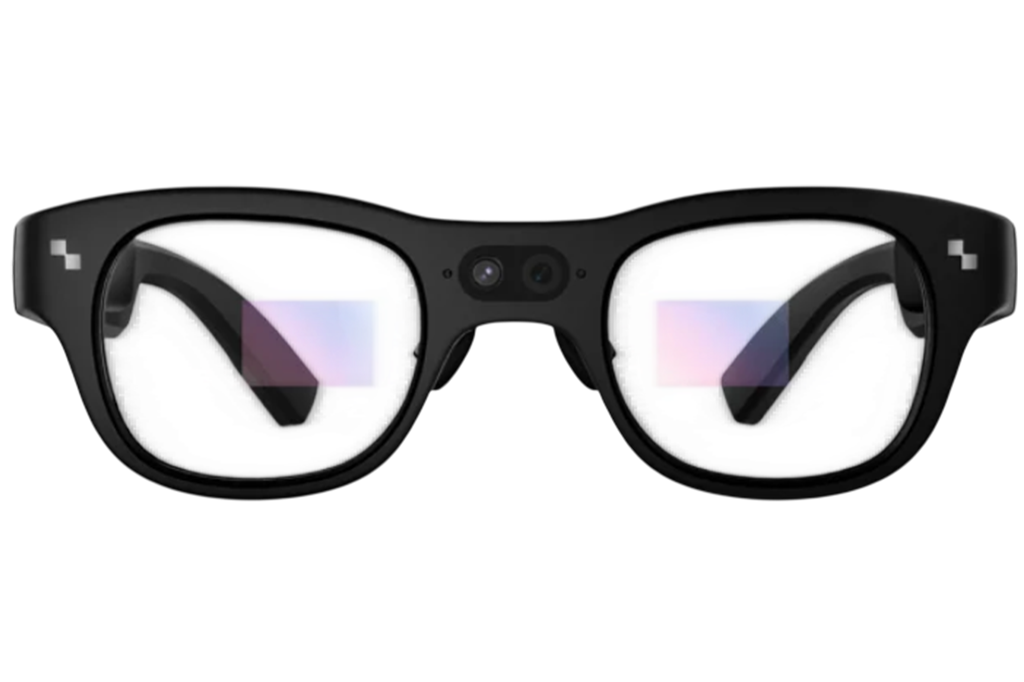
The X3 Pro features a binocular nanolithography-etched diffractive waveguide. The display runs on the RayNeo Firefly Optical Engine, a MicroLED unit. The wearer sees a floating image at a visual scale equal to a 43-inch screen viewed from 2 meters away, appearing within the real-world environment.
The display outputs a 640 x 480 pixel image with 16.77 million colors. Brightness averages 3,500 nits and peaks at 6,000 nits. The refresh rate is adaptive, and the field of view spans 30 degrees.
What AI Capabilities Are Built in?
Google Gemini 2.5 runs as the always-on AI at the heart of the X3 Pro. Through voice, it handles news lookups, route finding, schedule management, and general questions. The device also supports Gemini Live AI conversations. The X3 Pro includes global AI translation, supporting translation between Chinese, English, Cantonese, German, French, Spanish, Italian, Japanese, Korean, Russian, Thai, Vietnamese, Indonesian, and Malay. Results are delivered in 2.1 seconds as on-screen text, synchronized audio, and OCR photo translation.
Using the X3 Pro as a Personal AI Secretary
The X3 Pro works as an always-there AI companion and secretary. A single “Hey RayNeo” voice command puts it to work on questions, news, routes, and schedule management. When chatting, in meetings, or on calls, it records what is needed and summarizes the session, converting audio memos into text with key points pulled out through intelligent voice-to-text transcription.
Navigation and Real-Time Heads-Up Information
Navigation runs through HERE WeGo Maps, projecting real-time routes, nearby landmarks, restaurants, and transit information directly into view. The directional map uses a color display to keep orientation clear at a glance. A destination can be entered by voice or set through the RayNeo app.
Controls and the RayNeo AIOS Operating Environment
The X3 Pro uses a 5-dimensional temple touch control with dual touchpads, supporting tap, slide, and double-tap gestures. Alongside touch, users can control the device through voice commands, phone AirMouse mode, and Apple Watch gesture control, available through an over-the-air update for Apple Watch Series 7 and later. The 3D space UI is newly upgraded.
RayNeo AIOS is the operating system powering the X3 Pro, making it the first OS designed specifically for AR glasses. It perceives, listens, and responds to the wearer in real time, delivering Gemini-powered answers and 3D interactions, with developer-ready creation tools included as well. The aerial display keeps content present within the real-world environment, rather than isolating it from view.
App Support and Developer Tools
Through a built-in Android virtual environment, the X3 Pro gives access to everyday apps, including TikTok, Instagram, and WhatsApp, directly on the AR display. RayNeo also includes tailored tools covering a teleprompter, music player, camera, and navigation. The installation environment is ADB-accessible.
For developers, the X3 Pro includes Creator Mode with 6DoF and SLAM support. Both Unity ARDK and Android ARDK are supported. Creator Mode supports precise spatial positioning and environment mapping.
Technical Specifications
| Specification | Details |
| Processor | Qualcomm Snapdragon AR1 Gen 1 |
| Operating System | RayNeo AIOS |
| RAM / Storage | 4GB RAM + 32GB storage |
| Display | Binocular diffractive waveguide, MicroLED (Firefly Optical Engine), 640 x 480, 3,500 nits avg / 6,000 nits peak, 30° FOV, adaptive refresh rate |
| Cameras | Sony IMX681 RGB 12MP F2.2 16mm ultra-wide + OV spatial F2.0, 6DoF, ultra-low consumption |
| Audio | 3 microphones, narrow beamforming, noise cancellation, dual opposing acoustic chamber |
| Connectivity | Wi-Fi 6 (2.4/5GHz), Bluetooth 5.2, USB 2.0 Type-C |
| Battery | 245 mAh, Type-C, full charge in 38 minutes |
| Sensors | Accelerometer, gyroscope, magnetometer, ambient light, wear detection |
| Controls | 5-dimension temple touch, dual touchpads, voice, phone air mouse, Apple Watch OTA (Series 7+) |
| Dimensions / Weight | 153.16 x 45.65 x 168.6 mm / 76g |
Availability and What Comes in the Box
The RayNeo X3 Pro AI+AR smart glasses are available through the RayNeo official website. Each package includes the glasses, charging cable, nose pads, cleaning cloth, carrying case, quick-start guide, and sample prescription lenses. For the latest announcements and updates, be sure to visit the RayNeo website.
RayNeo Drew a Bold Line. Did It Land?
The RayNeo X3 Pro AI+AR smart glasses cover a lot of ground across its hardware and software: binocular AR display, dual spatial cameras, Gemini AI, real-time navigation, global translation, and a developer environment with Creator Mode and SLAM support. Each feature has a defined purpose and has been built out accordingly. How well those pieces work in concert through a full day of real use is ultimately what will define the experience.